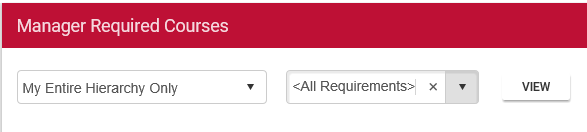
This widget allows a manager to select a course (or view all required courses) and see an overall completion status for their direct reports and users downstream in the reporting chain.
Course status will only display for the users that are in a required audience for the course. For certificates, the graph will only show a user’s overall status in the required certificate. It will not show the status of the individual courses within the certificate.
For clients that are using the ELMS (both ComplianceWire and non-GXP side), the graph will use the following rules to determine what courses to display:
To use this widget, a manager can select who to view and which requirements to view.
Use the first dropdown menu in the widget to limit results to only direct reports or to view results for the entire downstream hierarchy.
Use the second dropdown menu to limit the results to one required course. Note: only courses that at least one team member is required to complete will appear in the dropdown. Use the default "All Requirements" to view the team's status in all of their training requirements.
The user clicks the View button to see the results.
A pie graph will display showing the number of required items that are Complete, Overdue, or Incomplete.
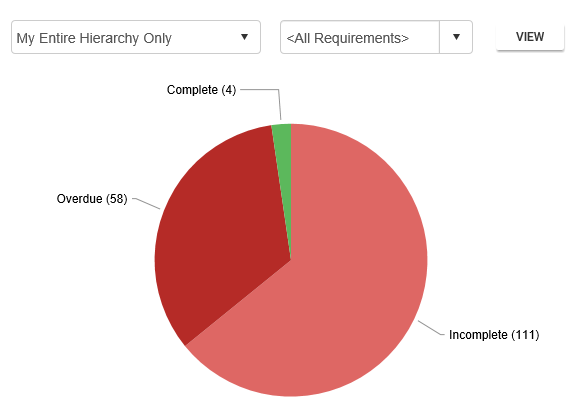
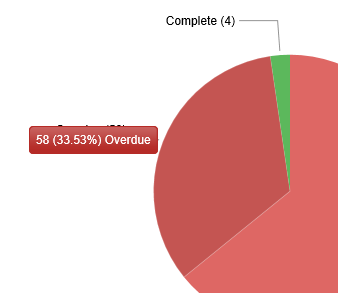
The user can click on the specific area of the pie graph to view the details as a tool tip.
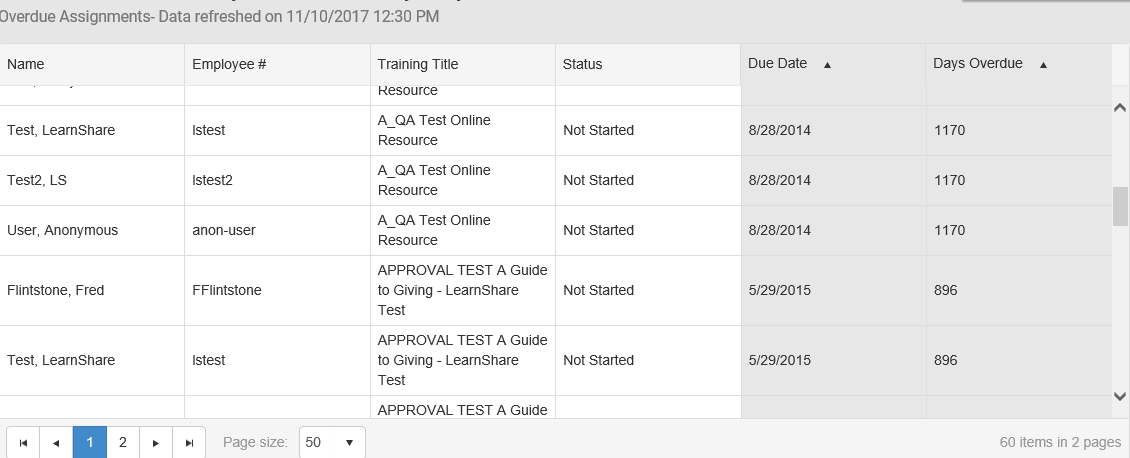
The detailed information can also be exported to Excel.
This widget has no configurable settings besides those available to the end-user.